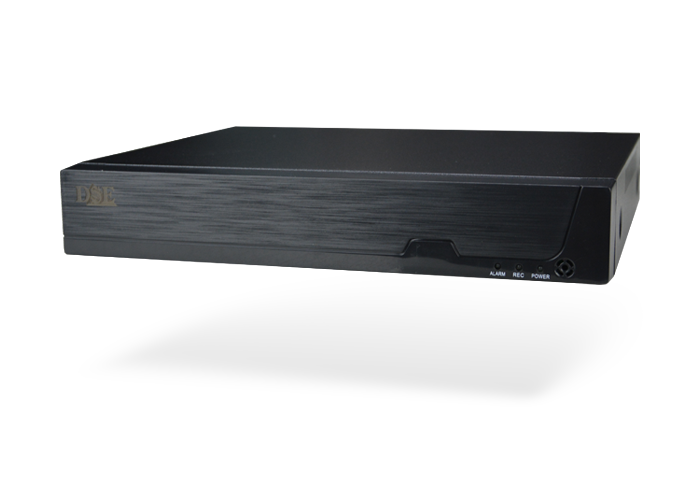
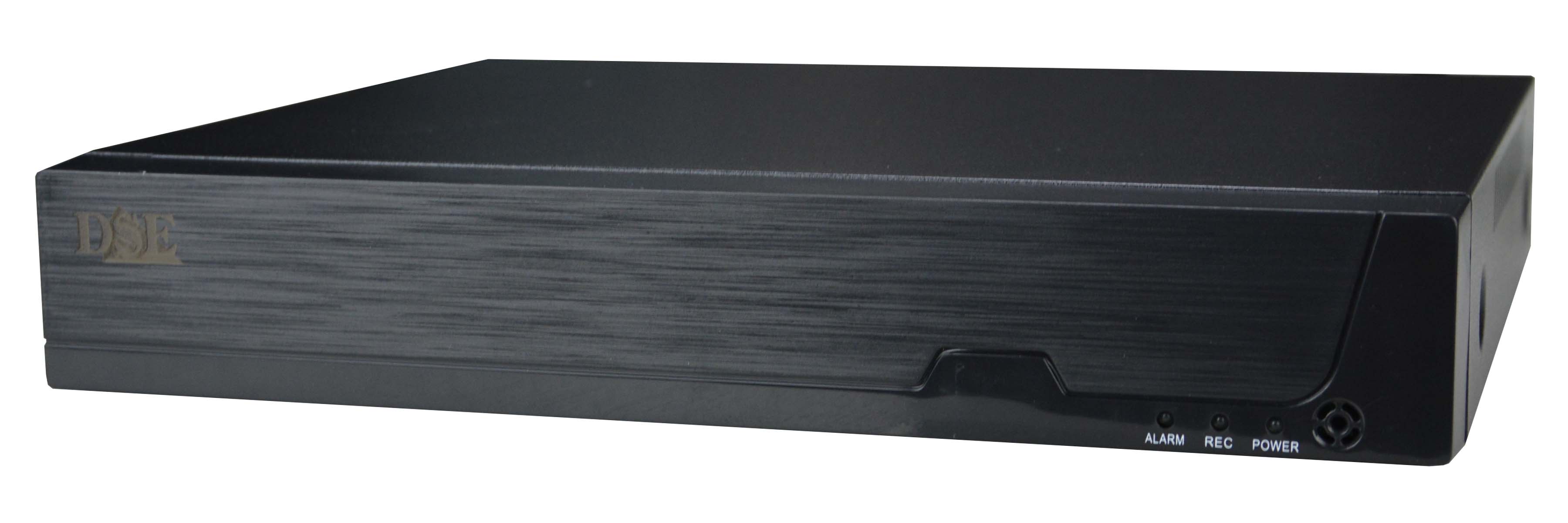
NVR with Tuya app for Onvif IP cameras
TO CONTROL YOUR IP CAMERAS WITH THE TUYA SMARTLIFE APP
..with Tuya Home Automation APP
CONTROL YOUR WHOLE HOUSE WITH ONE APP


TO CONTROL YOUR IP CAMERAS WITH THE TUYA SMARTLIFE APP
CONTROL YOUR WHOLE HOUSE WITH ONE APP

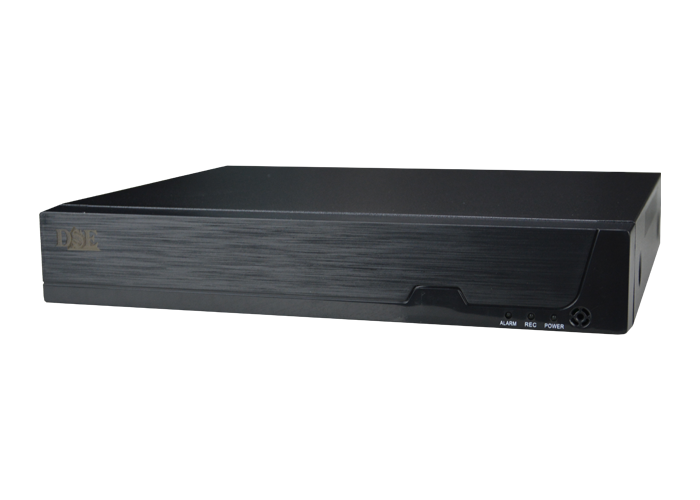
NVR 16 CHANNELS
ACCESSORIES
|
| HD-xxxxS |
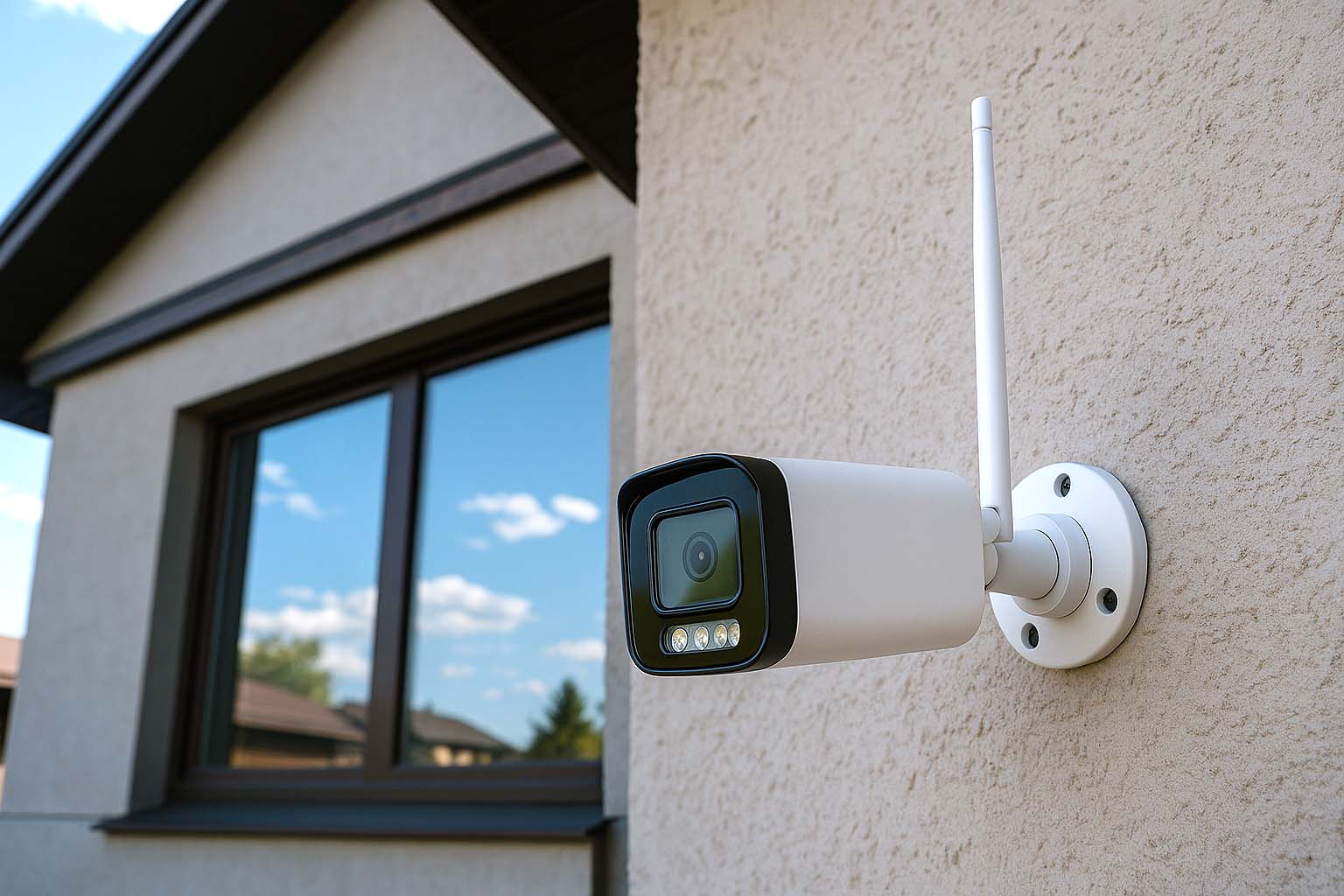
The Tuya Smartlife app is currently the most widely used home automation app in the world. We use it in all our smart home products such as video intercoms, remote controls, etc. If you use the Tuya Smartlife app to control your smart home, with these NVRs you can also connect your Onvif surveillance cameras so you can manage everything from a single app. You need to have Onvif IP cameras connected to your network and install this Tuya NVR. The NVR can be your only NVR, or it can coexist with another main Onvif NVR.
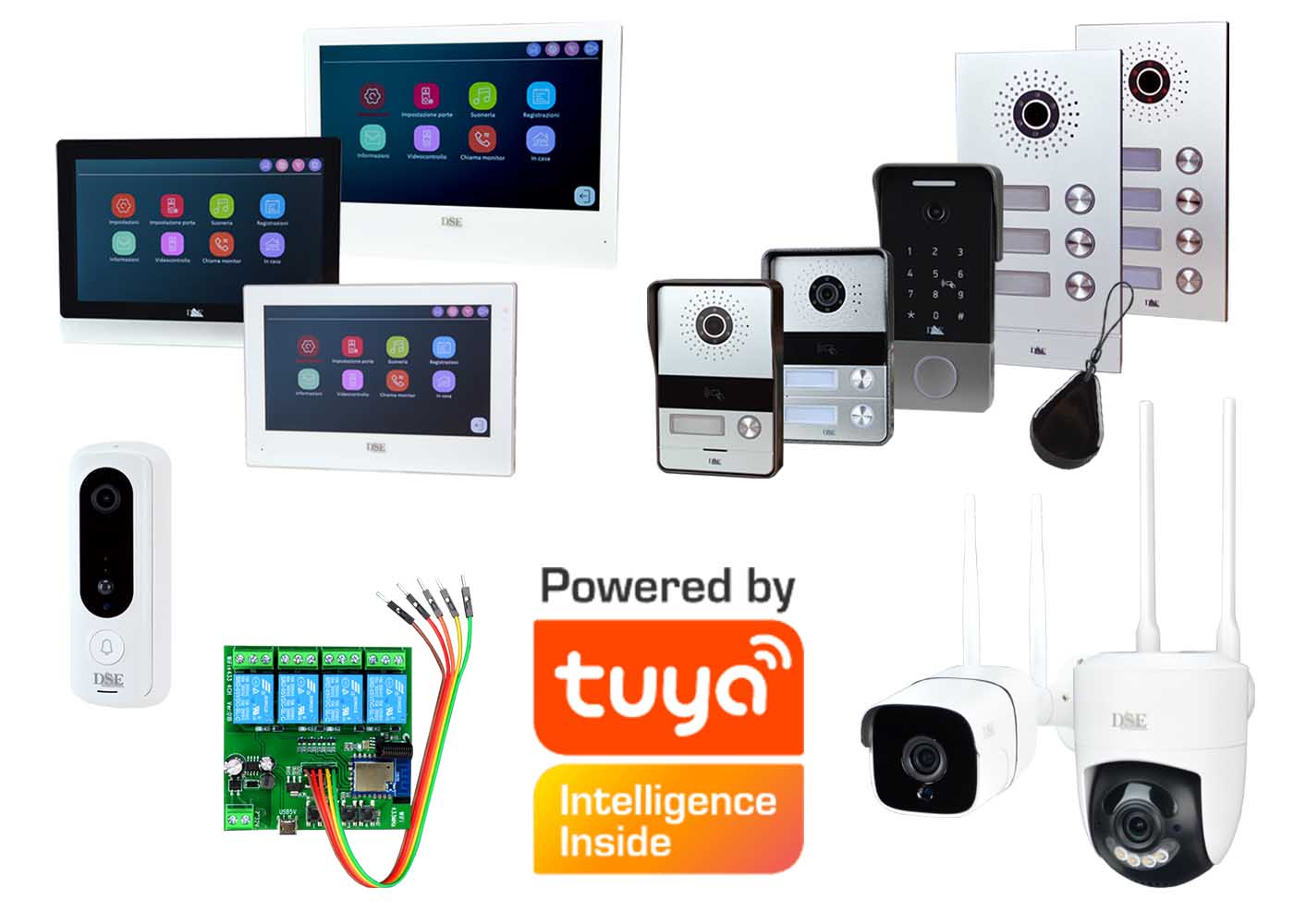
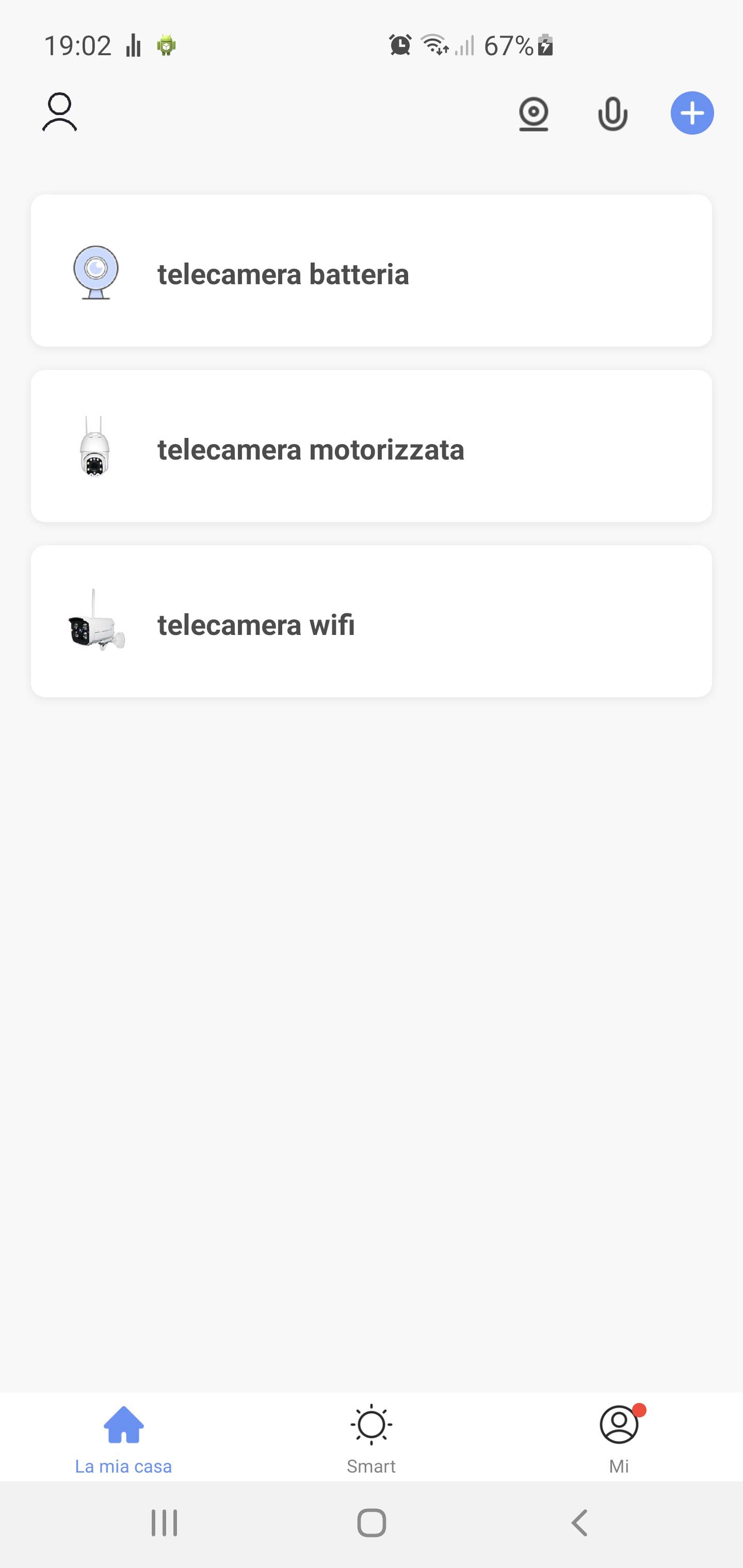
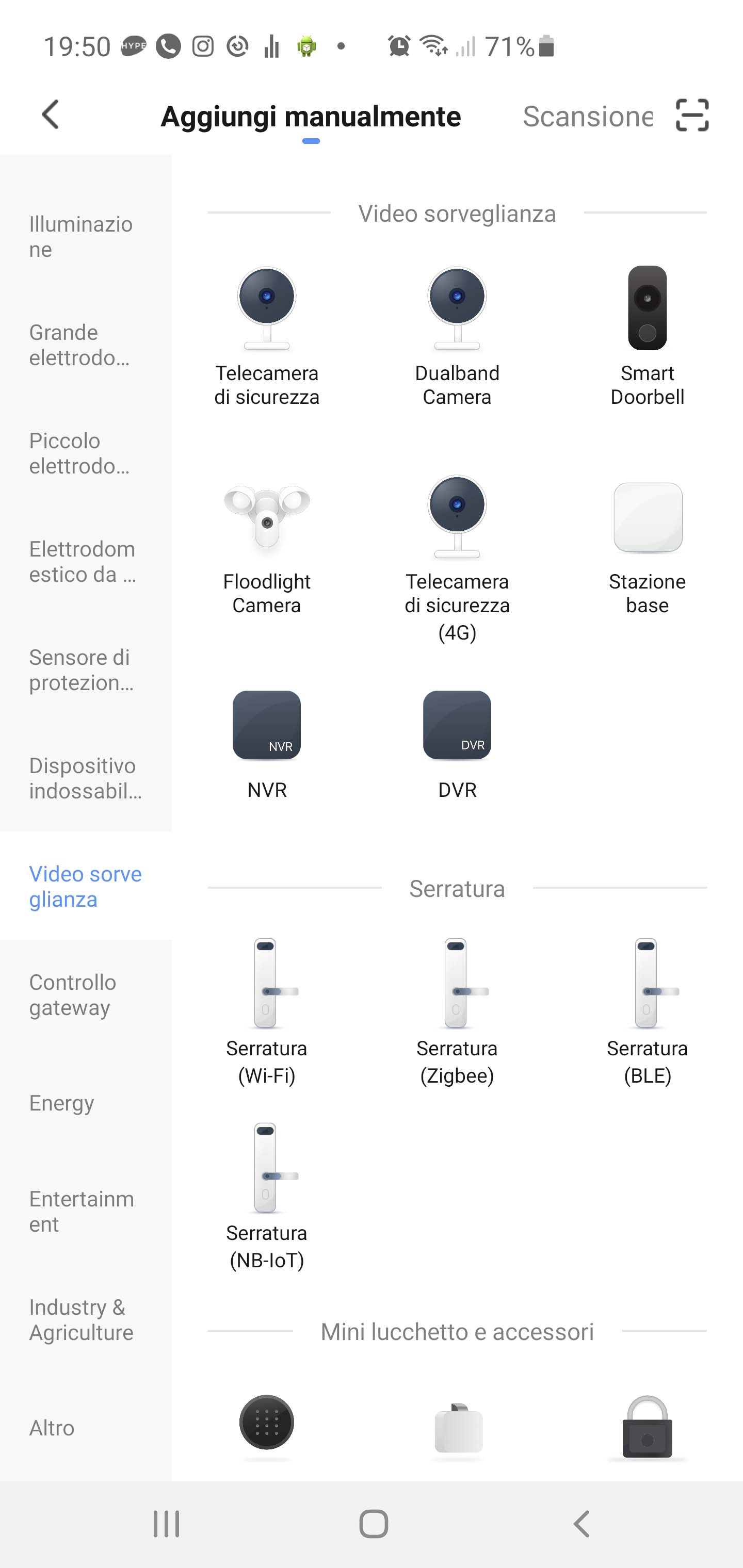
These Tuya NVRs act as a bridge between two very different digital protocols: the professional video surveillance standard Onvif and the home automation standard Tuya. Our professional video surveillance systems use the Onvif standard and our IoVedo.RK app. They consist of cameras and NVRs with many programmable functions, typically installed via wired connections and almost always requiring the use of a computer. Our home automation products, such as video intercoms, smart cameras, etc., instead use the Tuya standard and the Smartlife app. These are mostly Wi-Fi products, with fewer programmable functions, but they are extremely easy to install by yourself, wireless, and require only a smartphone. There are many home automation products that use the Tuya standard — on the side, you can see the ones we manufacture.
With these Tuya NVRs, you can easily view your Onvif IP cameras directly in the Tuya Smartlife app. It’s the perfect solution if you already have a video surveillance system and want to control it from the same smart home app you use every day. To get started, just make sure your IP cameras are connected to a network switch (and not to the PoE ports of another NVR). Then, connect the Tuya NVR to your network, add your cameras — and you’ll be online in minutes. If you already use one of our NVRs with the IoVedo.RK app, we recommend keeping it in your setup alongside the Tuya NVR. This way, you’ll enjoy both the advanced control of our professional platform and the convenience of Tuya’s smart home integration.
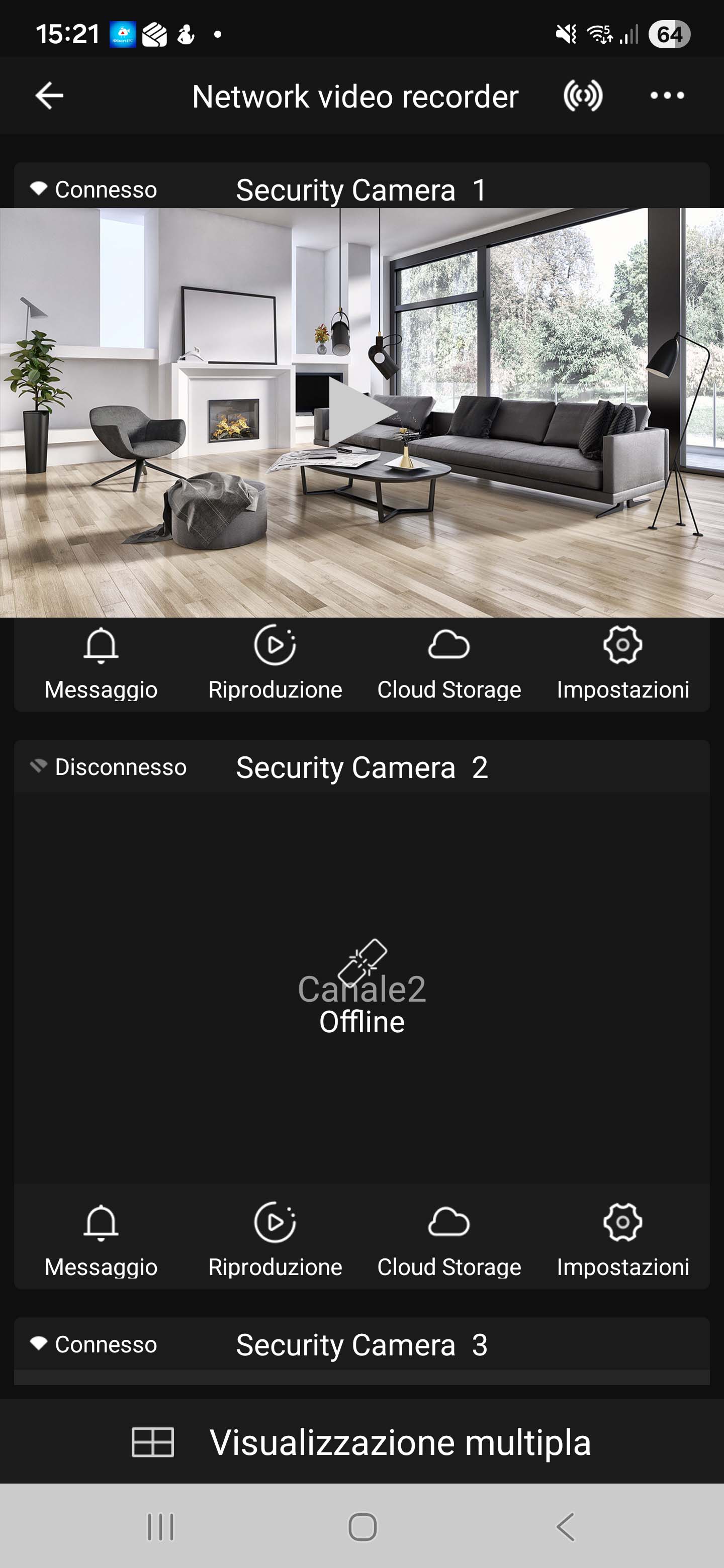
These NVRs are also the perfect match for your Tuya smart cameras — the popular Wi-Fi home automation cameras. With these NVRs, you can easily turn your Tuya Wi-Fi cameras into a complete security system, featuring high-capacity video storage and video output for connection to a local monitor. Simply enable the Onvif protocol in your camera settings and add them to the NVR — it’s that easy! With a Tuya NVR, your Wi-Fi cameras become a true professional-grade CCTV system, complete with monitor and hard drive, just like wired ones.
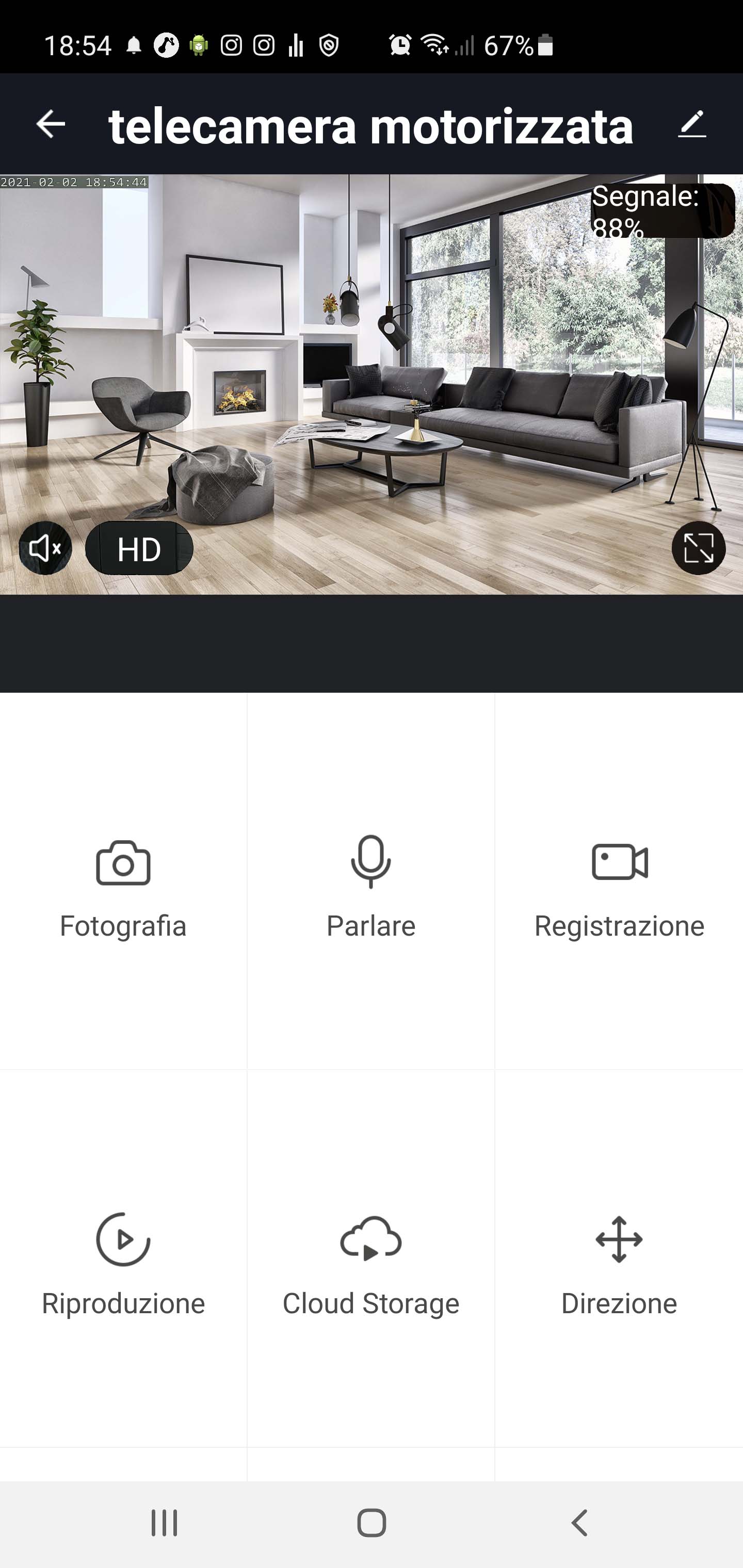
All our DM Series Smart Home devices like cameras, remote controls and intercoms, can be controlled with the excellent IOT Smart Life home automation app, compatible with all devices in the world based on the Tuya platform. With the Smart Life app you monitor your entire home via the Internet. You can receive cameras live view, playback and notifications. You can turn on lighting, aircon or irrigation. You can even answer the intercom, like taking a phone call.
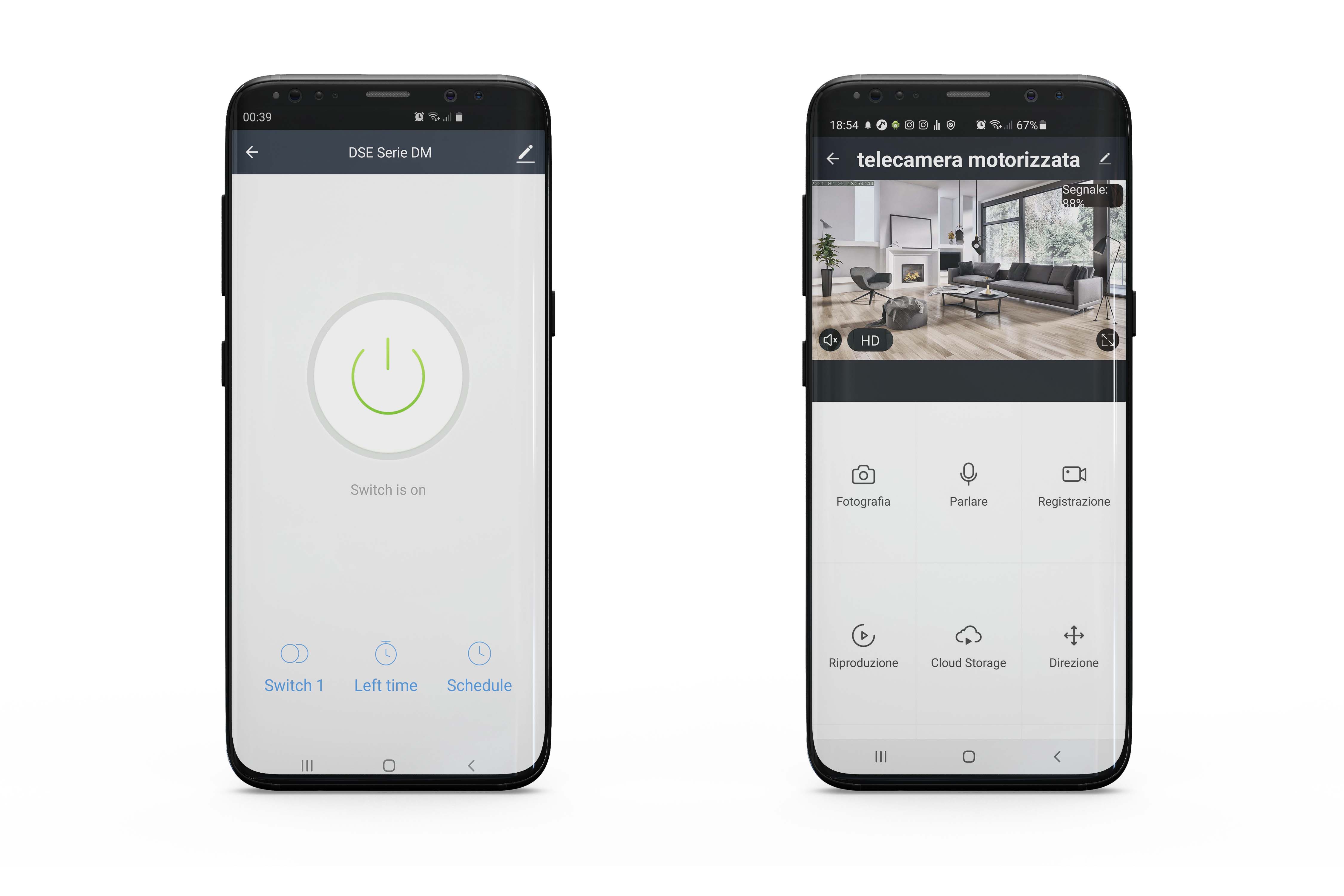
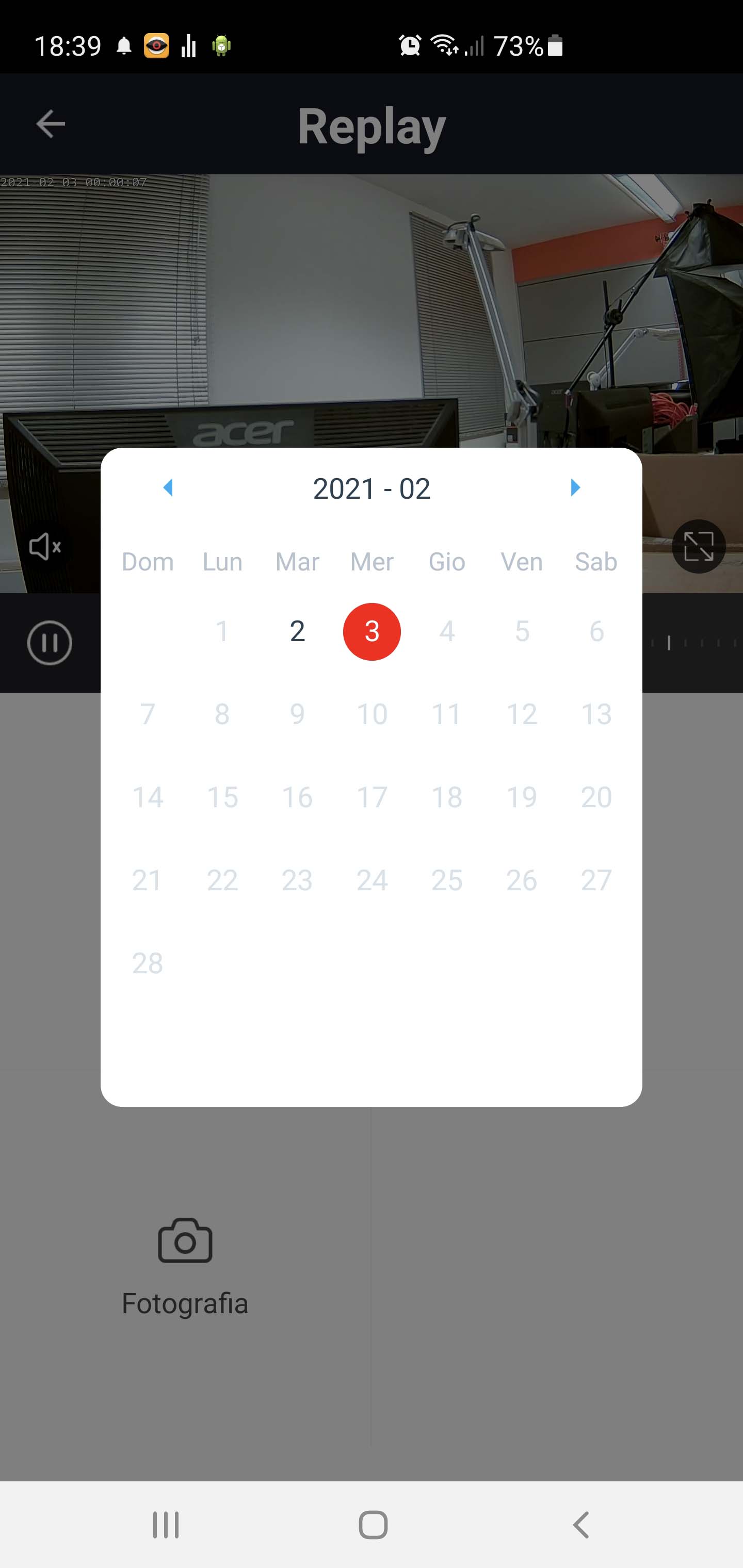
IOT means Internet Of Things. Today it is no longer just a beautiful name, but an amazing reality that we all can afford. With SmartLife, the most popular IOT app in the world, you can control all our DM Series home automation devices and automate your whole house. SmartLife allows you to connect the cameras to your wifi network in a few taps and connect via the Internet with no difficult configuration. With your mobile phone, you can WATCH the cameras live, CONTROL Pan Titl Zoom, HEAR, TALK and PLAYBACK. You can also RECEIVE alert notifications if an intrusion occurs.


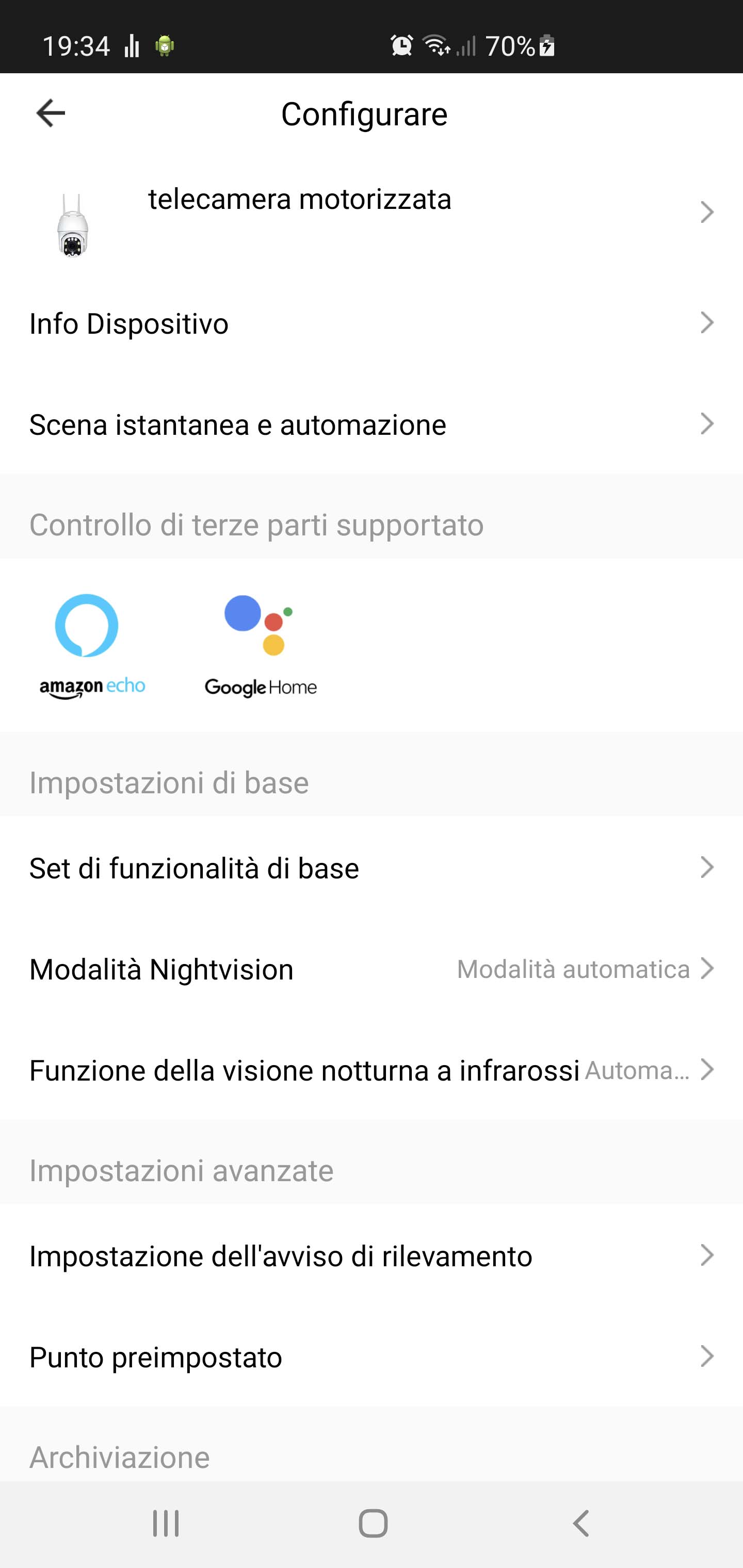
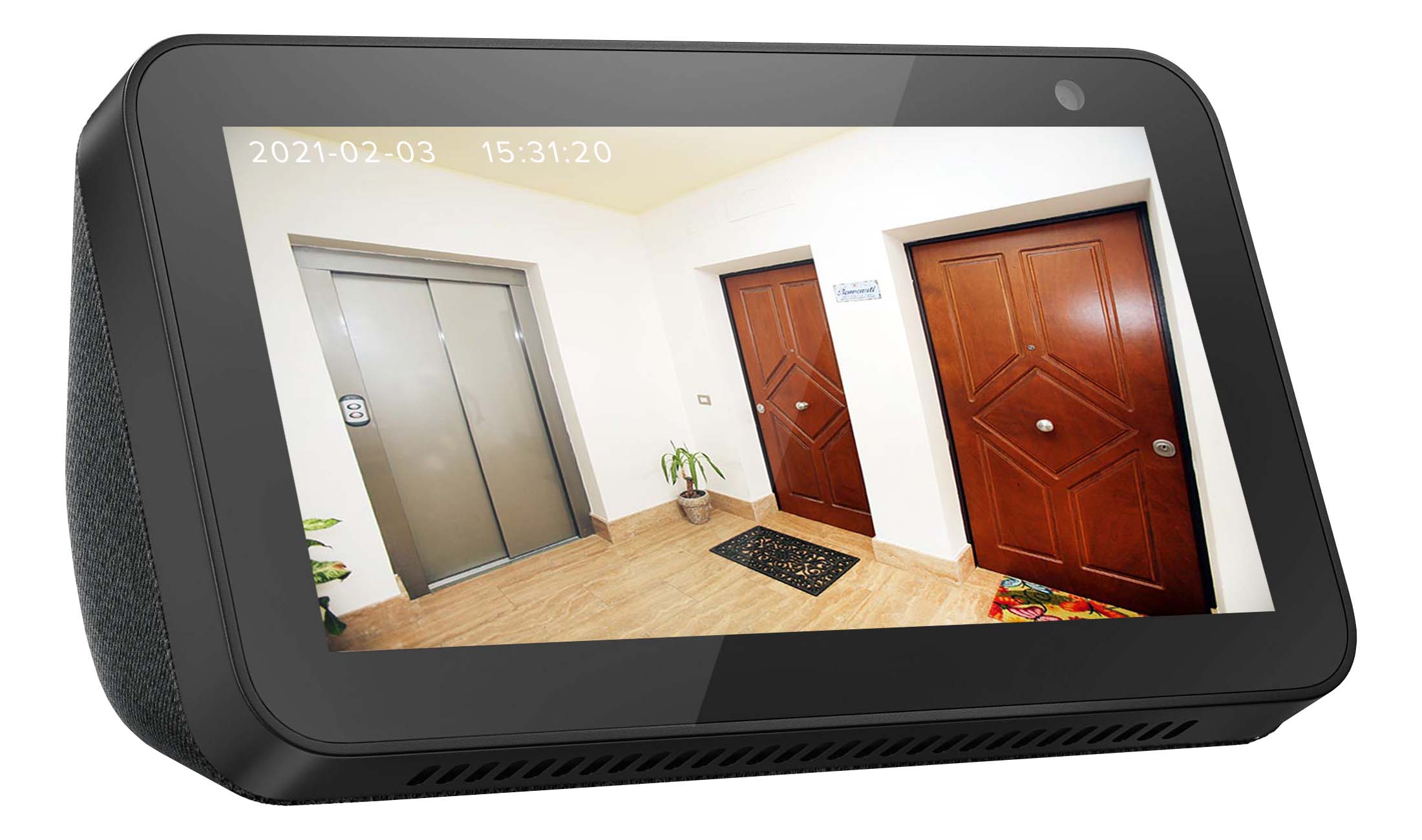
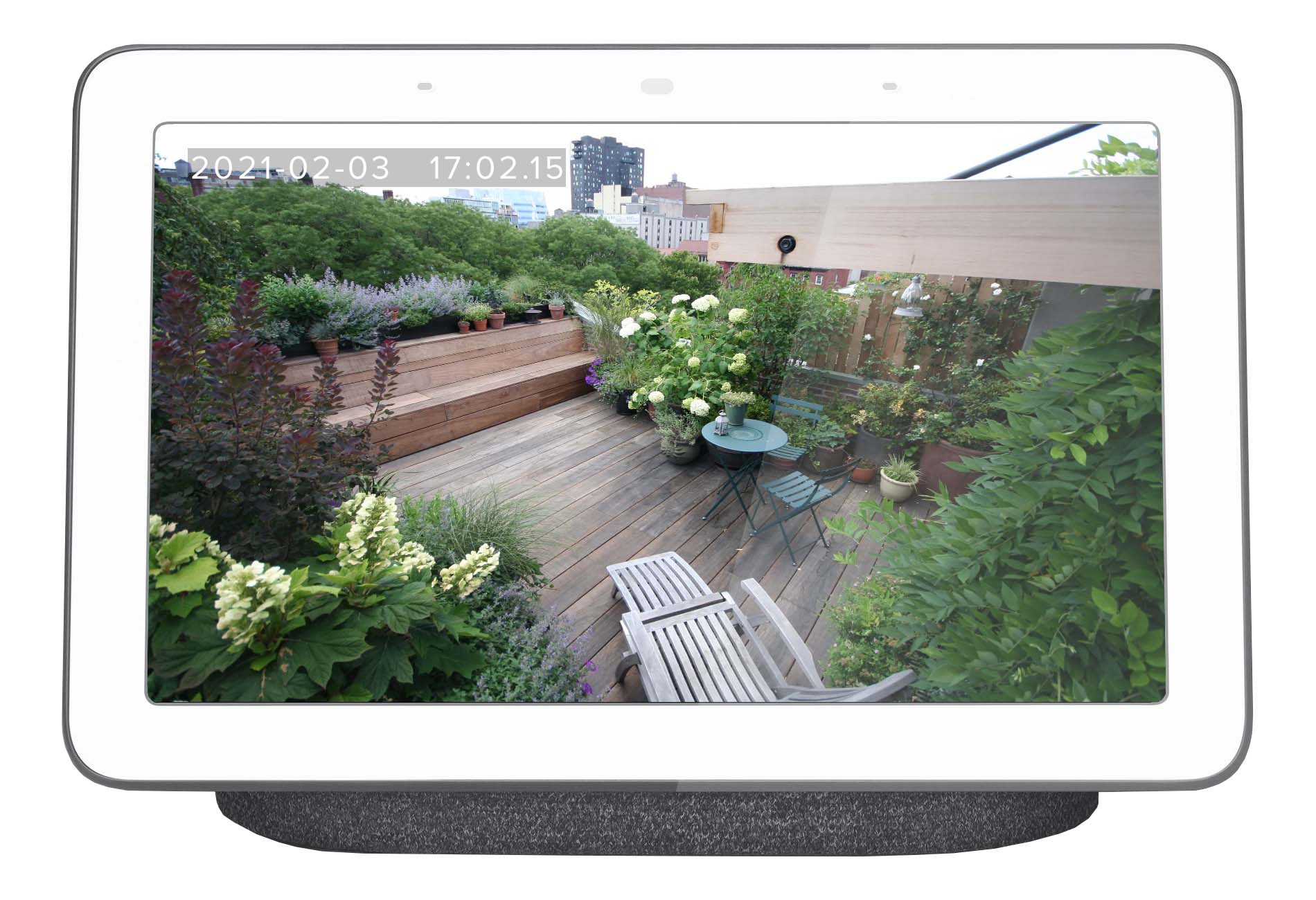
Our Smart Home cameras are compatible with Amazon Alexa and Google Home / Google Assistant voice control platforms. Both platforms offer you different devices with monitors such as Amazon Echo Show or Google Nest Hub where you can watch your cameras with a simple voice command. Just download the SmartLife skill and in a few minutes you will be ready to call the name of your camera and watch it in the display. With our Smart Home cameras and Amazon Alexa or Google Assistant, you can install a WiFi monitor in every room of your home with just a few taps on your smartphone.


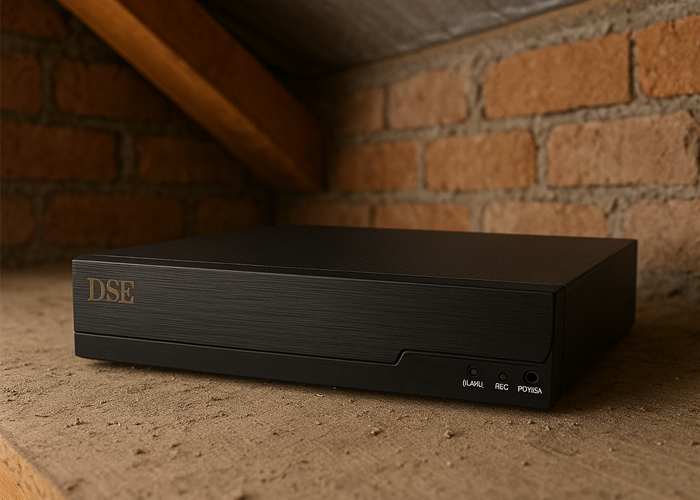
Adding a Tuya NVR to your Onvif surveillance system is a great idea — not only does it let you integrate your cameras into your smart home app, but it also provides a valuable backup recording feature, useful in case your main recorder fails or is stolen. You can install the Tuya NVR in a hidden or hard-to-reach place, such as an attic or a false ceiling, ensuring that your video footage is always safe and protected.
|
|
|---|---|
| CODE | DM-NVR8-16 |
| Description | NVR for Onvif IP cameras with Tuya app |
| VIDEO | |
| Video channels | 16 IP |
| Compatible cameras | Onvif IP cameras and Tuya IP cameras supporting Onvif |
| ONVIF Protocol | Supported |
| Supported video compressions | H265, H265+, H264, H264+ |
| Video resolution | Max. 8MP |
| Dual stream | |
| HARDWARE | |
| Main processor | ARM Cortex A7 Quad-Core |
| Operating system | LINUX embedded |
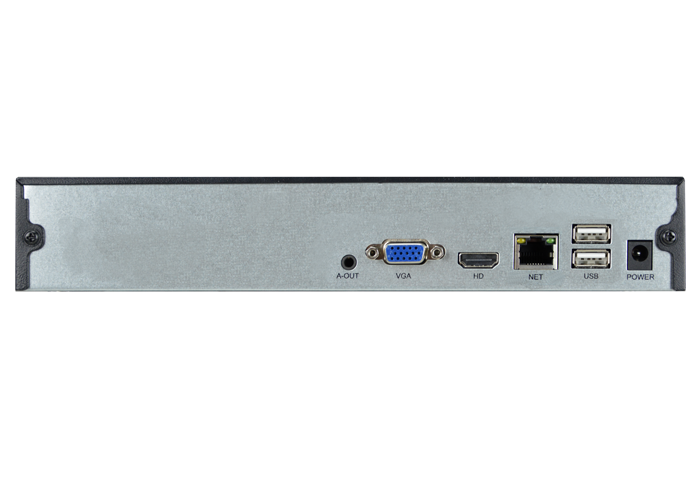
| Network port | 1xRJ45 10/100/1000 |
| Incoming bandwidth | Max. 120 MBPS |
| WiFi | |
| POE port for cameras | Requires external switch |
| POE ports power | |
| Extended POE | |
| Hard Disk capacity | 1 SATA 3.5" Max. 8TB |
| e-Sata port | |
| Audio input | |
| Audio output | 1 minijack |
| Alarm inputs | |
| Alarm outputs | |
| Serial ports | |
| USB ports | 2xUSB2.0 |
| Built-in buzzer | |
| HD video output | 1xHDMI 1xVGA |
| HDMI video output resolution | 1920x1080 (1080P) |
| VGA video output resolution | 1920x1080 (1080P) |
| CVBS video outputs | |
| Mouse | USB included |
| Remote control | |
| PERFORMANCES | |
| Live Viewing | 1CH up to 8MP, 4-9-16CH D1 |
| Recording | 4K 10CHx25f/s, 5MP 16CHx25f/s, 4MP 16CHx25f/s, 3MP 16CHx25f/s, 2MP 16CHx25f/s, 720P 16CHx25f/s |
| Playback | 1CH 4K@25f/s, 5MP@25f/s 2CH 4MP@25f/s, 3MP@25f/s 4CH 2MP@25f/s, 720P@25f/s |
| SOFTWARE | |
| Protocols | TCP/IP HTTP UPNP PPPOE FTP DHCP DNS DDNS RTP RTSP NTP SMTP P2P |
| P2P Server Cloud | Free Tuya |
| Web cloud archive | Tuya optional |
| Browser | All browser supported |
| Smartphone APP | Tuya Smartlife for iPhone iPad Android Android-Pad |
| Centralization software | |
| Recording mode | Timed, Continuous, Motion |
| FUNCTIONS | |
| Multi display | 1/4/9/16 cameras, cyclic scan |
| OSD overlays | Time, Date, Channel Name |
| Motion detection | |
| Human detection | |
| Face recognition | |
| Alarm actions | Recording, Buzzer, Email, FTP, Photo, Message on monitor, Cloud upload, Push notifications |
| PTZ IP cameras control | |
| Serial PTZ control | |
| Digital zoom | |
| Automatic overwrite | |
| Video archive limitation for privacy | |
| Search for videos with timeline | |
| Password protection | |
| GENERAL | |
| Casing | Metal |
| Rack mounting | |
| Operating temperature | -10°C +55°C RH95% Max |
| Power supply | 12VDC +/-10% |
| 220V adaptor included | |
| Consumption | Max 300mA (without HDD) |
| Dimensions | 255x214x40 mm |
| Weight | 622 gr (without HDD) |




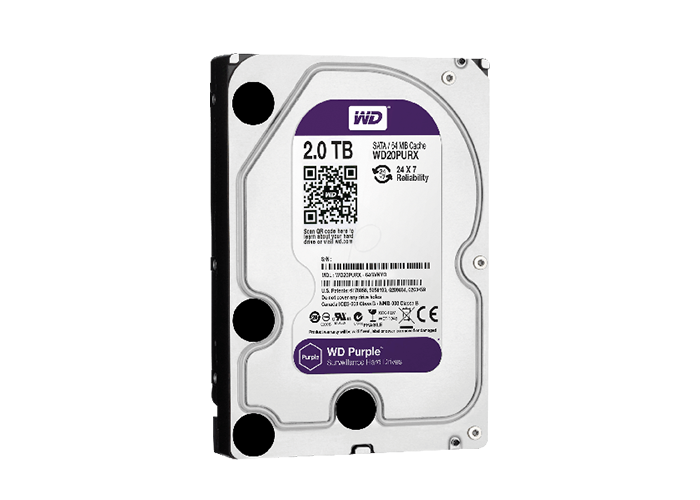
All our NVRs are supplied without a Hard Disk. In our price list you can buy specific Hard Disks for video surveillance to be installed inside.
Find all prices in our e-commerce portal CCTVSTOREPRO.COM.
CCTVSTOREPRO.COM